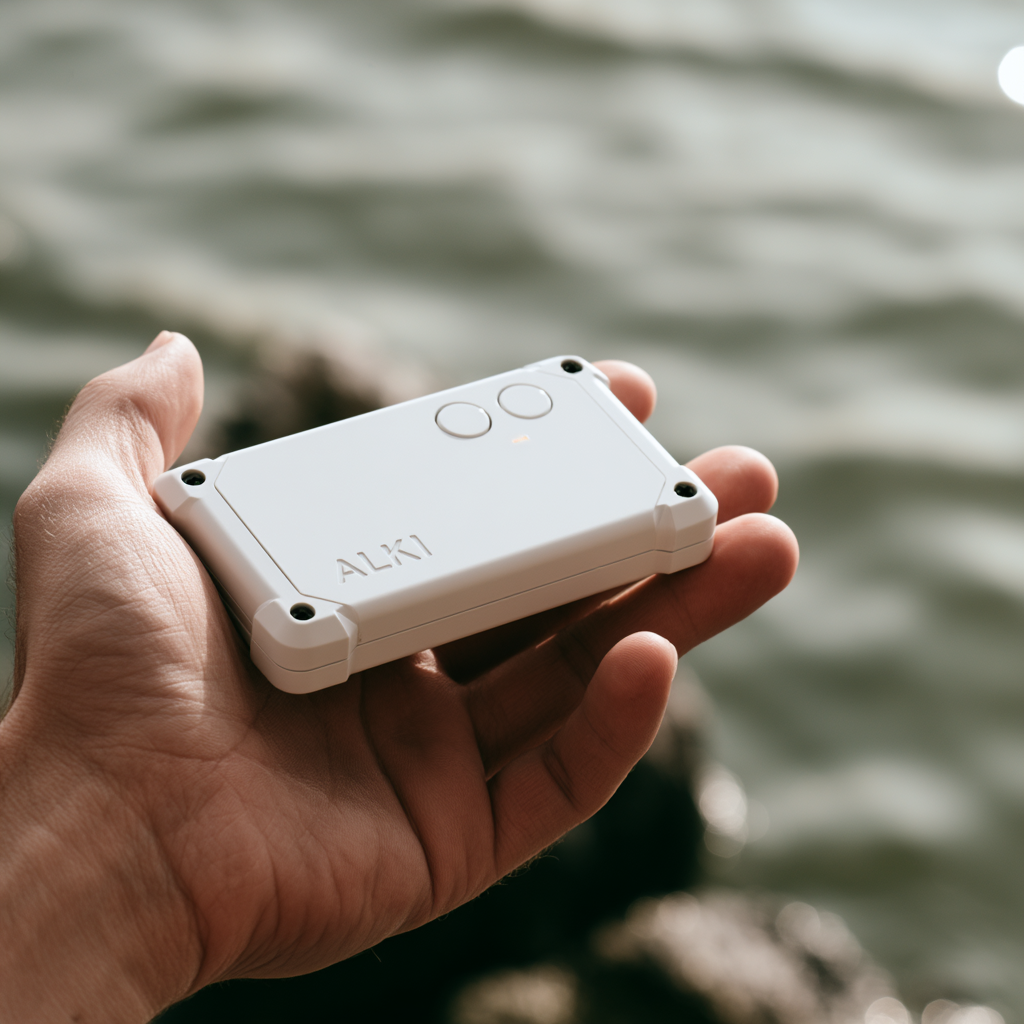
Connect T1.
Assign the device to the boat via the Alki iPhone app, then leave it ready for the crew.
Alki turns each boat's on-water data into a clear session recap within minutes of docking. See the work, pace, rate and zones while the row is still fresh.
From an empty shell to a coach-ready session recap—in three simple steps.
Assign the device to the boat via the Alki iPhone app, then leave it ready for the crew.
T1 records the on-water session while the crew rows as normal.
Alki processes the session and makes the recap available in the app. You can choose to email the report.
Alki turns each boat's on-water data into one clear session recap for the coach and crew.
Alki is designed to make the recap ready within minutes of docking, while the row is still fresh. A specific timing guarantee will follow representative field validation.
The Alki app currently supports iPhone only. There is no Android app at this time.
Alki automatically detects work pieces. In a four-by-2 km session, the recap shows each piece and its time, along with the warm-up and cool-down. Pace, stroke rate, moving time and training zones are easy to review, with route and secondary detail available deeper in the recap.
Your recordings, session history and reports live on your iPhone. If you choose to email a report, Alki processes that selected report for delivery but does not store report content or session history on its servers. Limited email-delivery metadata is retained, and the emailed copy can remain with the recipient and email provider. Read the iPhone app privacy policy for details.
No. Alki presents the measured record. The coach supplies the plan, context, interpretation and recommendation.
Alki costs $350 per device per year, excluding taxes and shipping. Contact us for bulk pricing and device replacement costs.
Yes. Request a test device to see how automatic recaps fit your boats, crews and post-row debrief.